Demonstrate
Phone or cell video with real hands and parts.
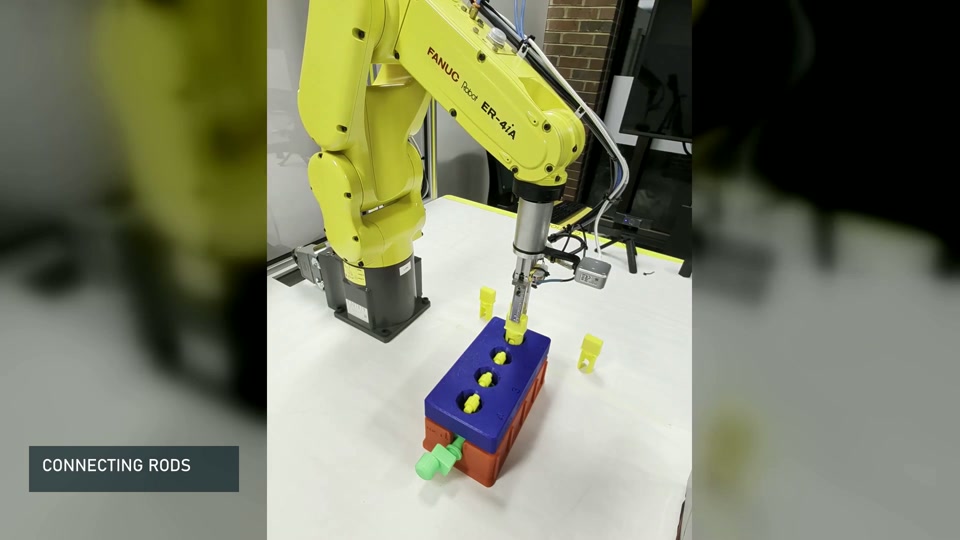
Built and tested at the CSI workcell
Teach an assembly from video, select a suitable robot finger, or set a placement target in the digital twin. Each tool opens in its own workspace.
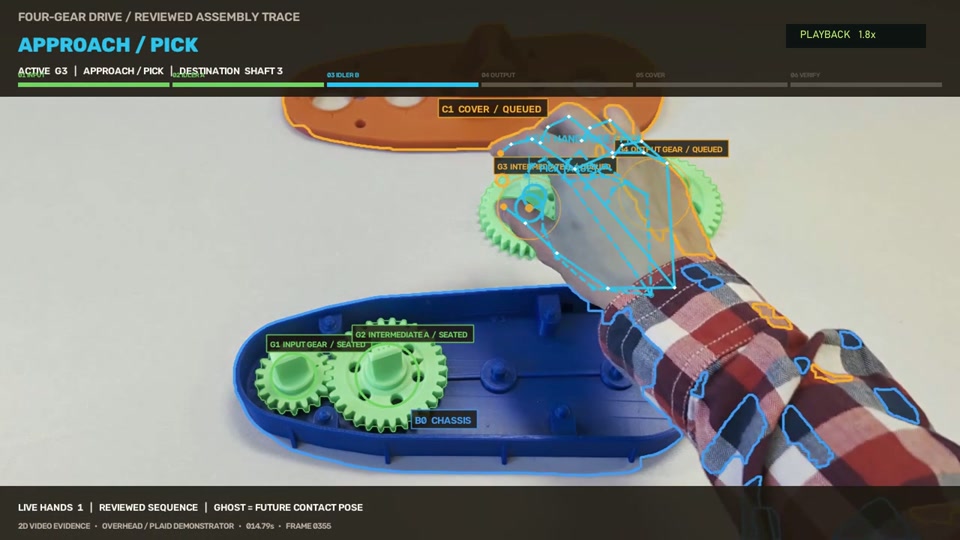
Upload a demonstration, review hand and motion evidence, and export editable assembly instructions.
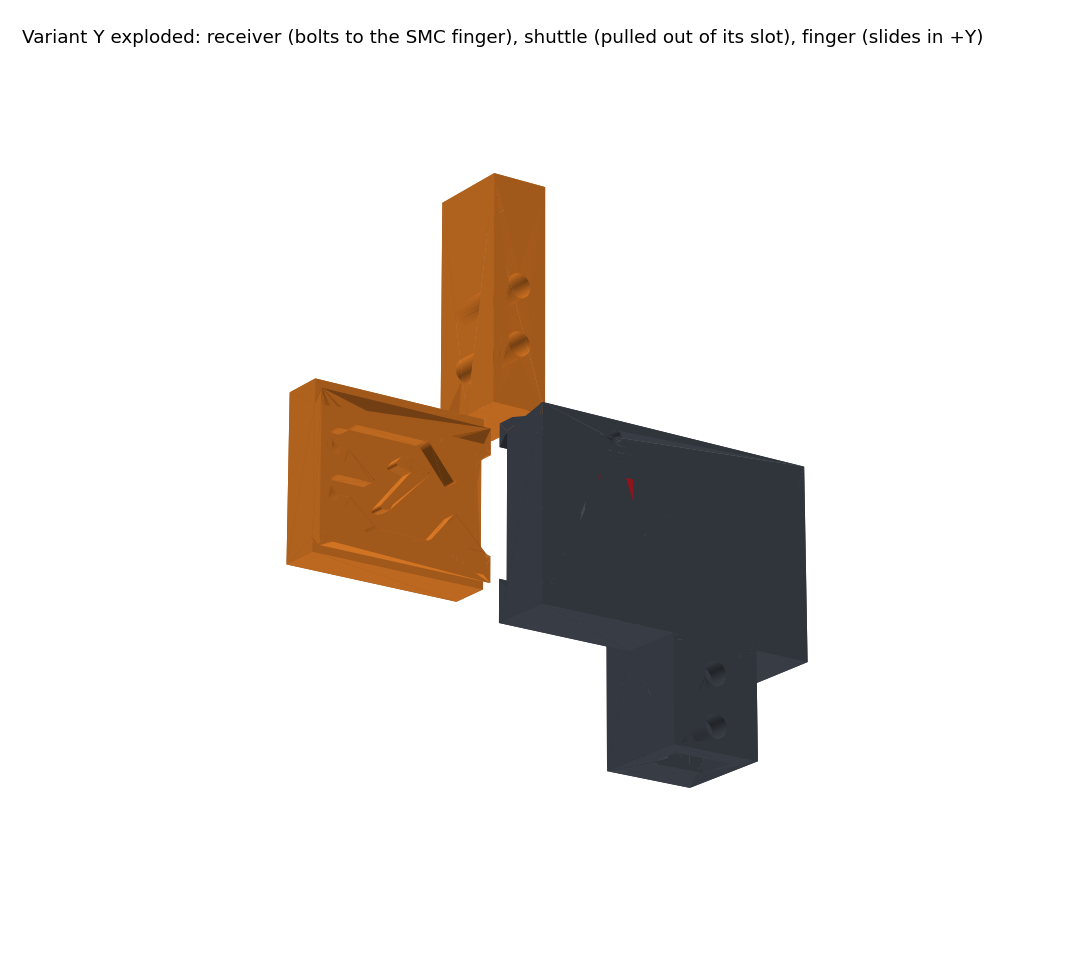
Analyze a part image or orbit video and rank 40 verified quick-change finger variants.
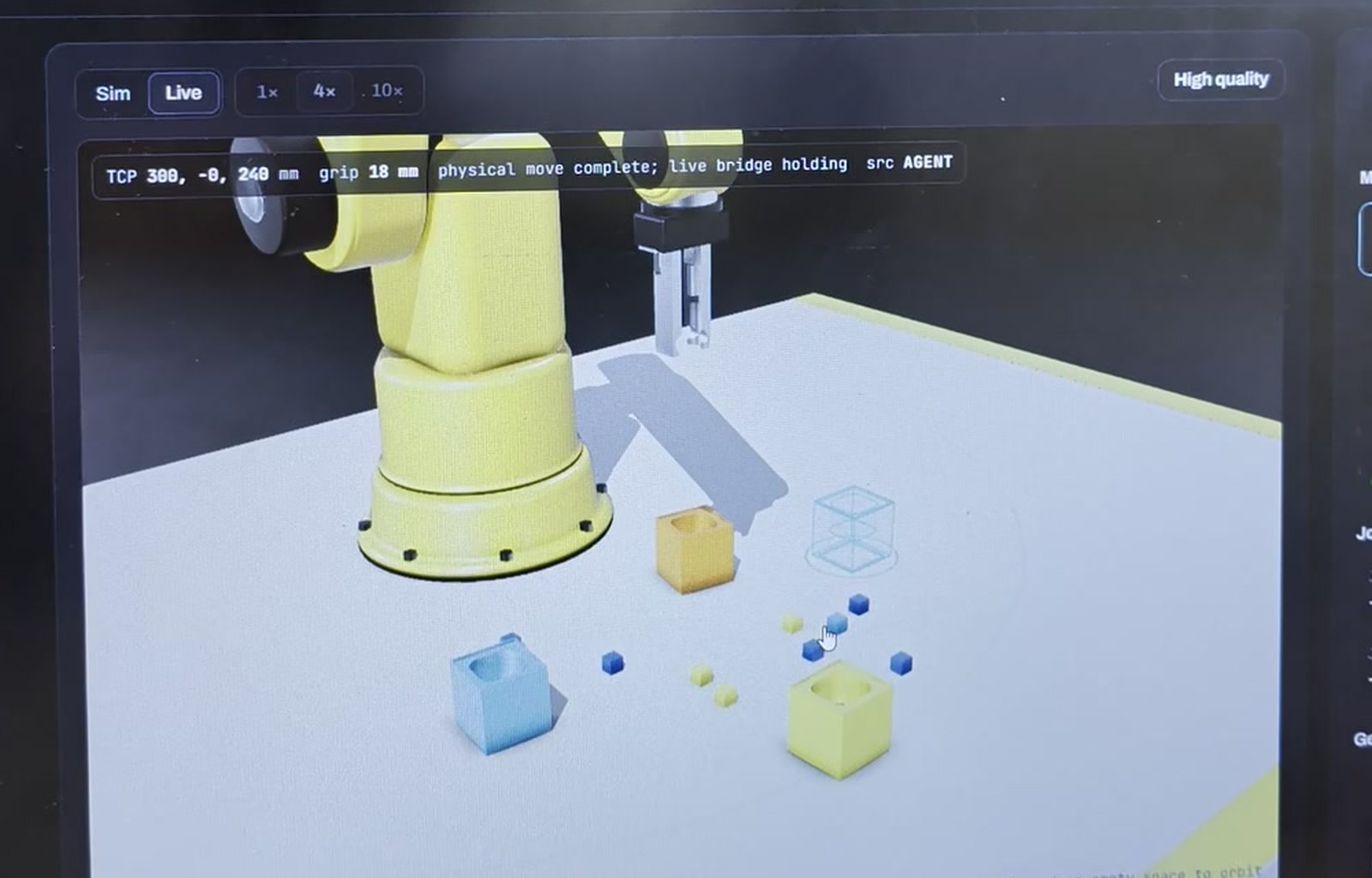
Drag a part to its desired location and build a plan that can be reviewed before it reaches the robot.
How they work together
The video workspace records the assembly sequence. Tool selection matches the part and operation to a tested finger design. The cell planner records the desired placement while leaving calibration and final approval to the operator.
Phone or cell video with real hands and parts.
Hand, motion, labels and editable instructions.
Tested tooling and calibrated grasp profiles.
Reach, collision, insertion and calibration checks.
Only through the authenticated operator client.
Measured results
Successful footage is paired with explicit limits. Video can teach sequence and contact; calibrated RGB-D and the current workcell transform are still required for robot coordinates.
reviewed target placements grounded across six demonstrations
Automatic cycle count was exact in 2/6 clips; reviewed timing is retained.weighted hand-frame coverage across the reviewed set
Occluded contacts remain manual review points rather than invented poses.final recovery-controller runs completed in the truck benchmark
Simulation validates logic; it does not replace real calibration.observed waypoint completion tolerance used by the physical bridge
The public pages show high-level steps, not private controller interpolation.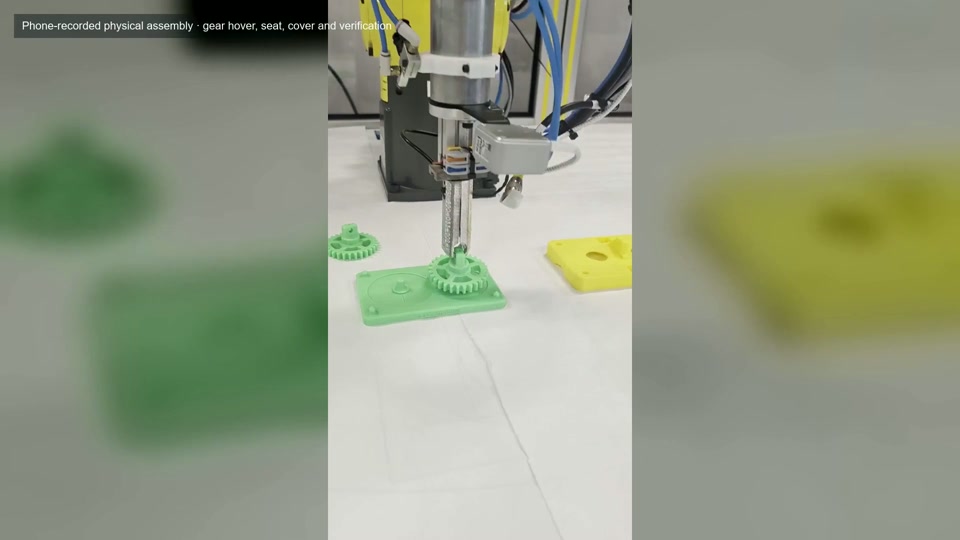
System connection
The public tools prepare files for review. The private workcell service adds the current calibration, checks reach and collision, and sends motion only after operator approval.
The A-Team
MSOE AI Club × UWM Connected Systems Institute × Rockwell Automation × NVIDIA